See Our Work
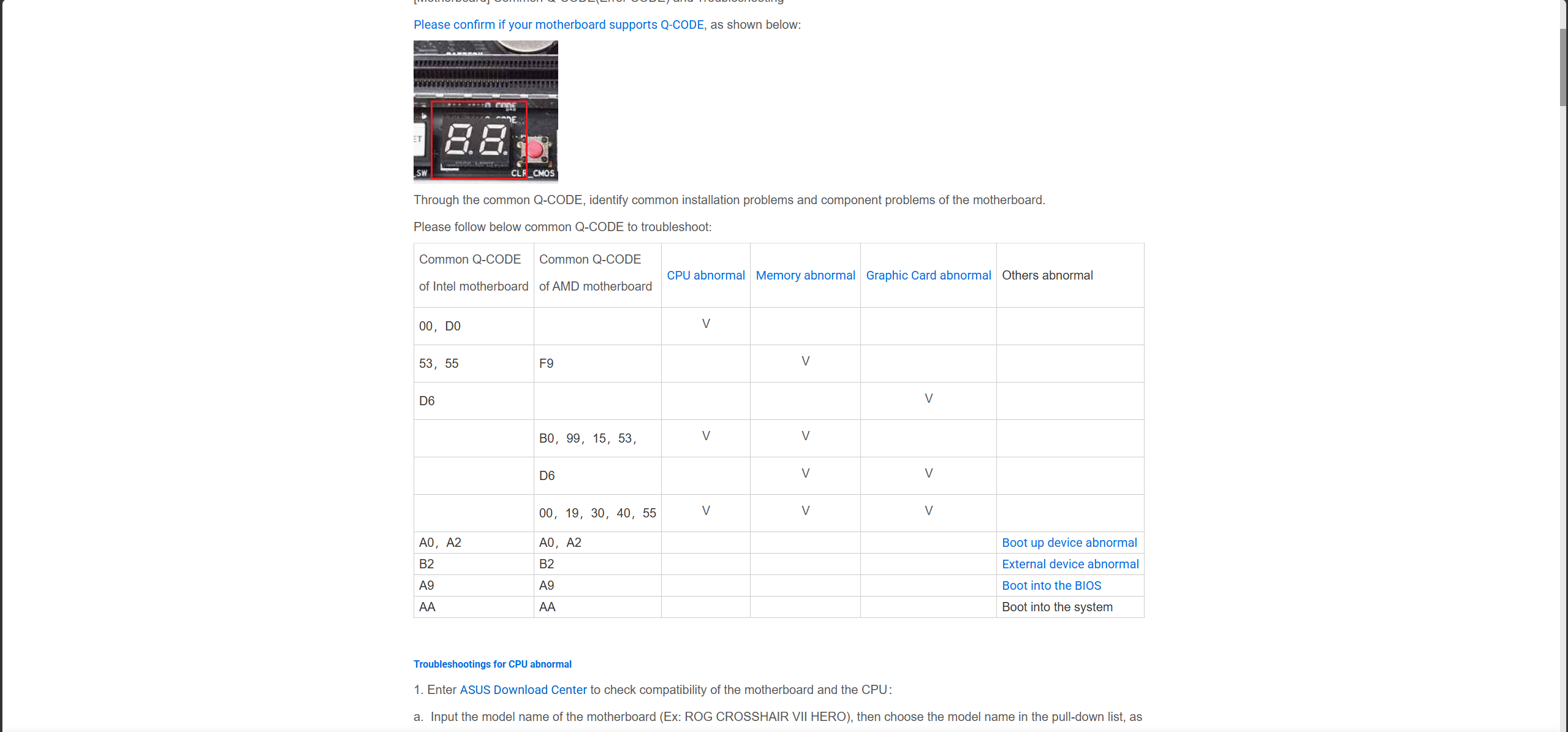
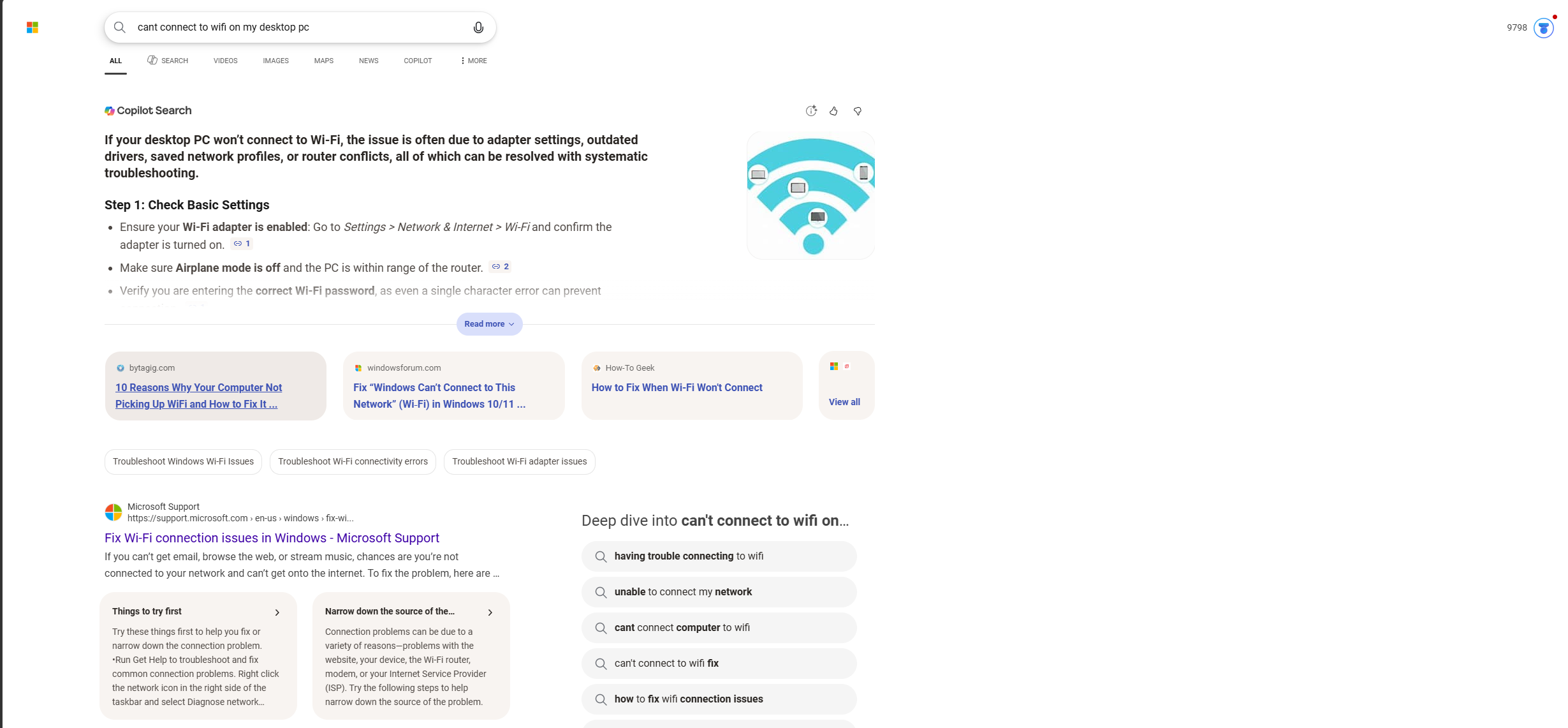
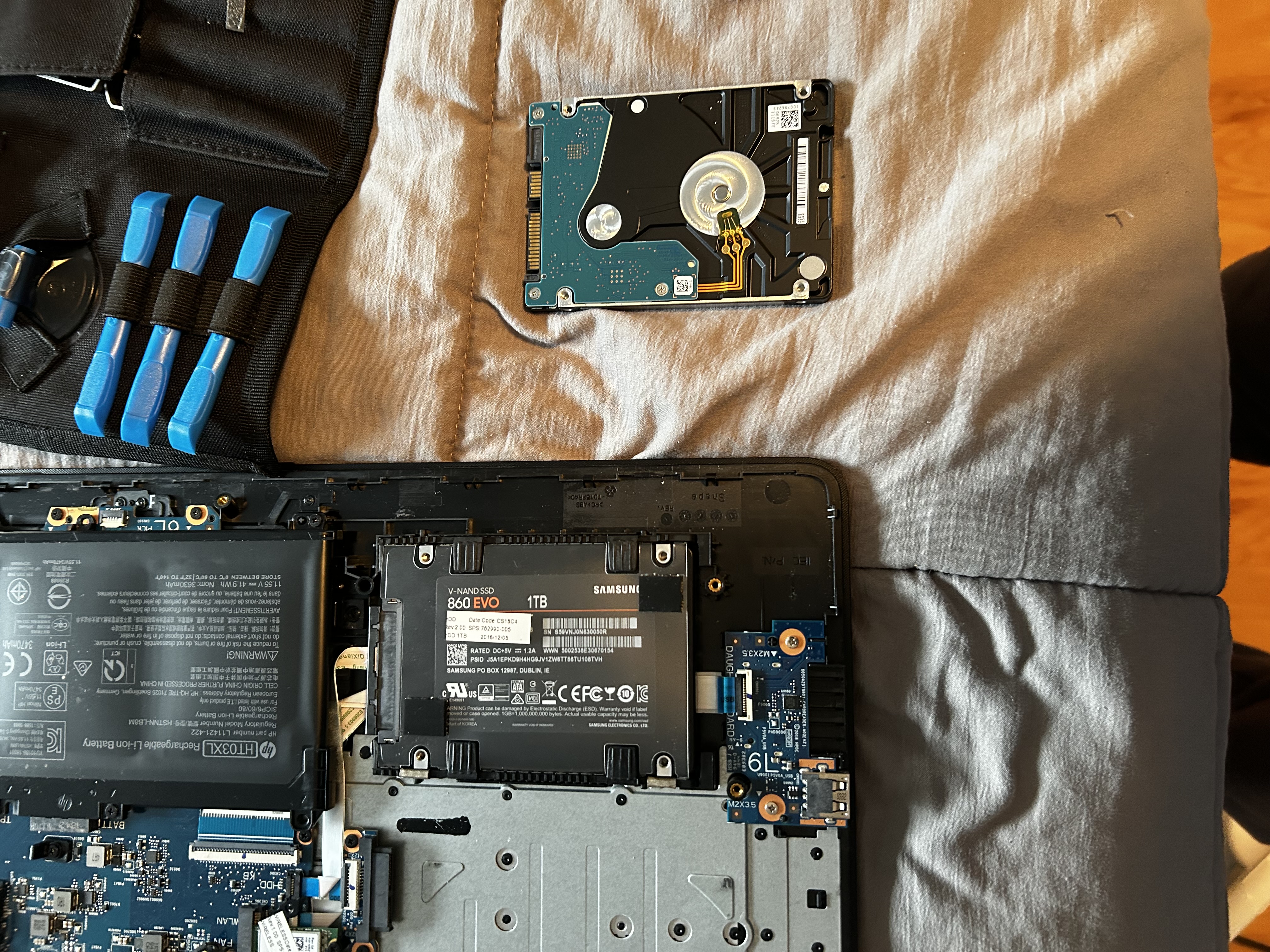
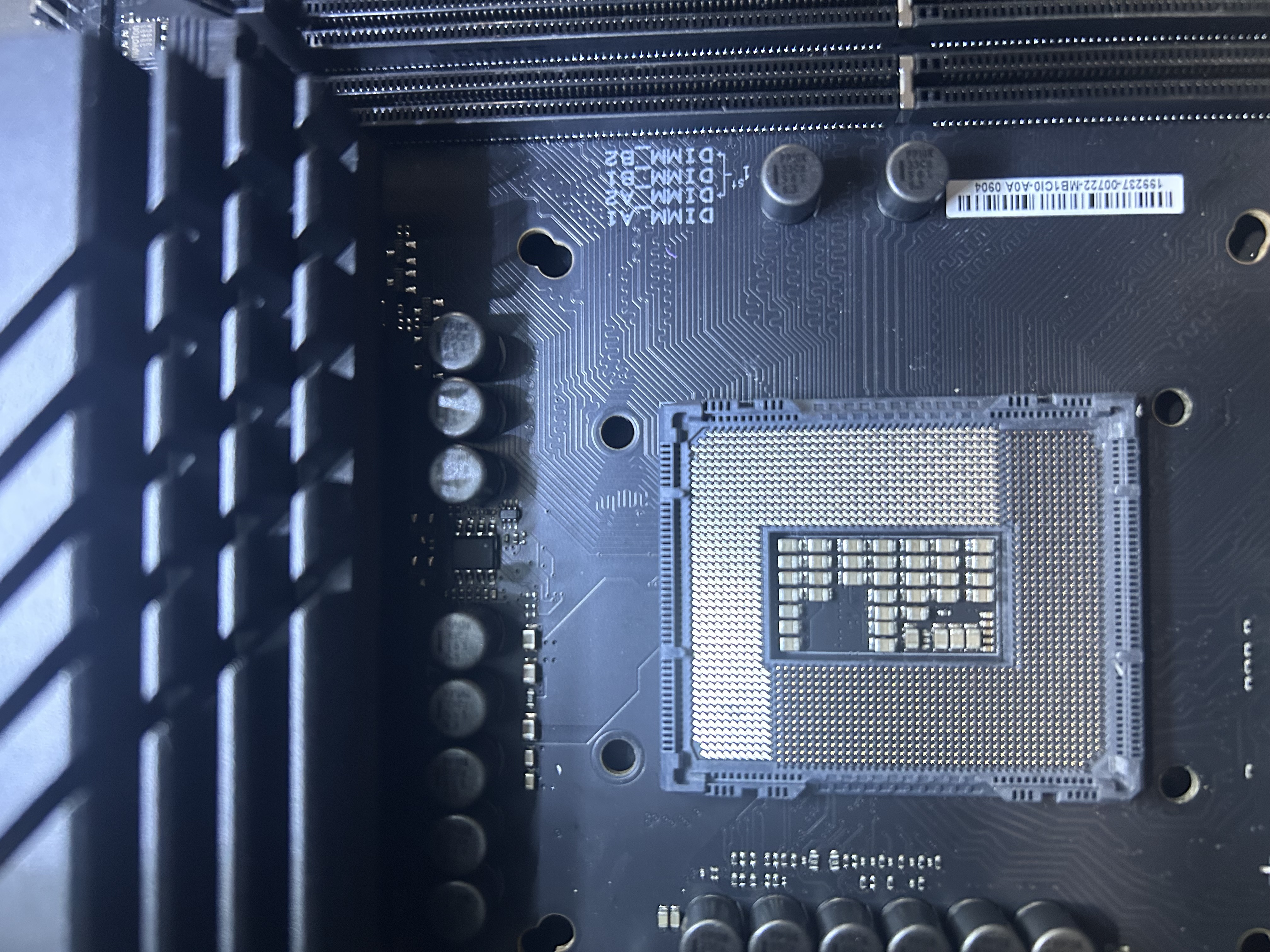
You found a problem — we find the solution.
When we troubleshoot your computer, it is rarely a solo effort — you will be part of the process too. I value teaching clients more about their hardware so they can better understand what went wrong and feel more confident managing their setup going forward. From crashes and boot failures to slow performance and strange errors, we will work through it together and get your system running properly again.
Select the option that best describes your computer's main issue to run a quick diagnostic.
Do you see any diagnostic lights blinking on the motherboard, or hear fans attempt to spin?
When does the crash or Blue Screen typically occur?
How old is your system's processor (CPU) and graphics card (GPU)?
When was the last time the internal dust was cleaned and thermal paste replaced?
Help identify the root cause of the problem.
Explain clearly what is happening and why.
Find the quickest, most effective solution.
Walk you through the fix step by step.
Work with you through the entire process.
A better understanding of your hardware.
A clear explanation of what caused the problem.
A working solution to get your computer back up and running.
No jargon — plain language throughout.